YOUR FIRST STEP
AI Learning Guide
Six steps from basics through , conversation, and the advanced track to the knowledge exam. Start at step 1 and sum up each idea in your own words.
- Every job will use AI — farmers, teachers, drivers, even children.
- Never mistake what AI did for what you did yourself.
- Only people who know what AI did, and how, can master it.

Using AI and understanding it are two different things. This guide starts from the basic ideas and takes you all the way to why a answers the way it does. Along the way you'll write yourself, and at the end you can check yourself with the knowledge exam.
- Who it's for
- Middle school and up · anyone who wants to really understand AI
- Estimated time
- 3 sessions a week · about 6 weeks
- Steps
- 6 steps 4 required
When you finish this guide, you can…
- explain how a model picks the next word, and why the same question can get different answers.
- write a prompt with a goal, and , then check whether the answer is right.
- train a very small model yourself and explain what its results mean.
YOUR FIRST STEP
Learn in this order
- Required
- Optional
-
1
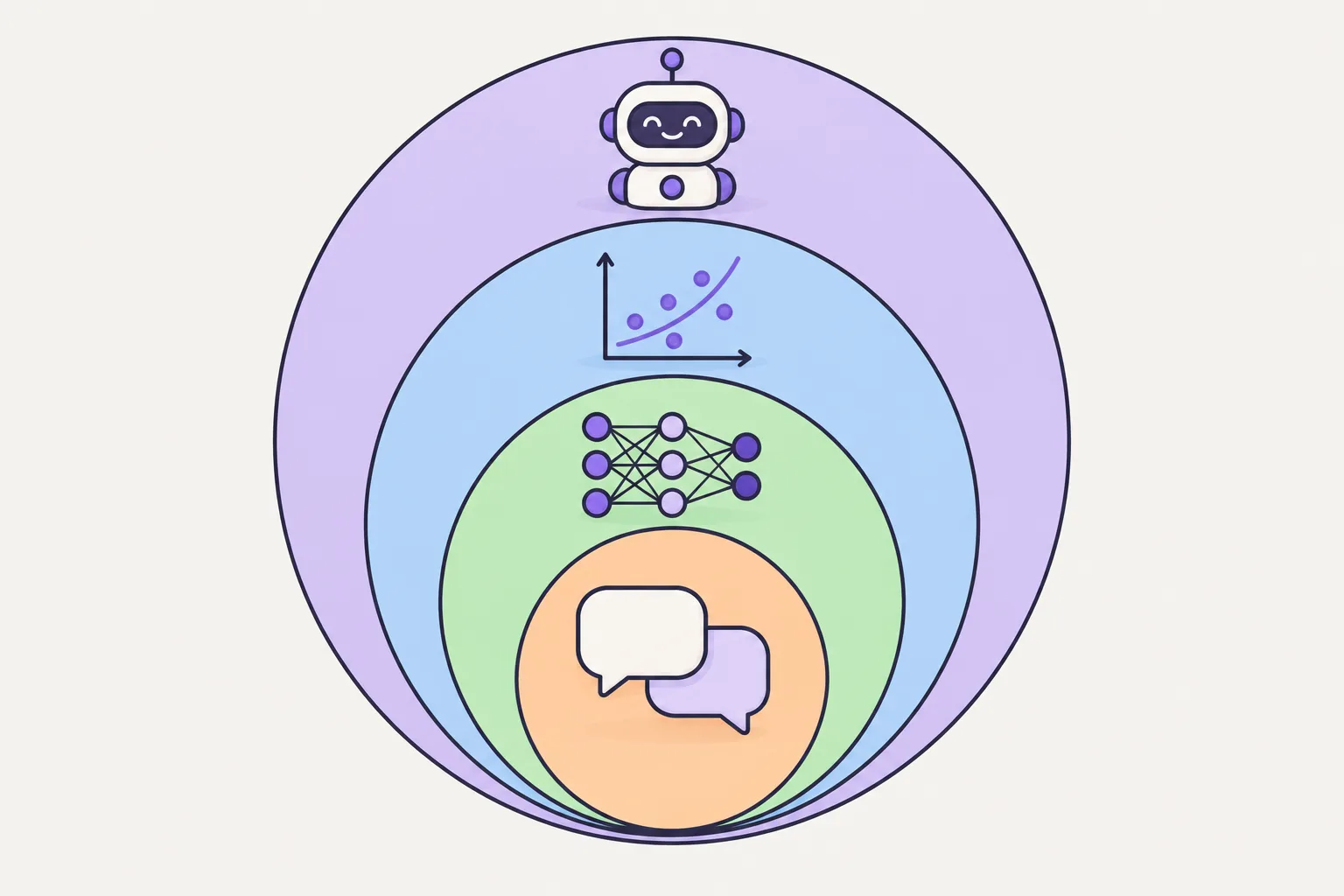 AI Basics
Required
Start with what AI is, and who built it and why. Getting one idea straight here — that AI is a machine people built, not a living thing — makes everything after it easier.
Start
AI Basics
Required
Start with what AI is, and who built it and why. Getting one idea straight here — that AI is a machine people built, not a living thing — makes everything after it easier.
Start
-
2
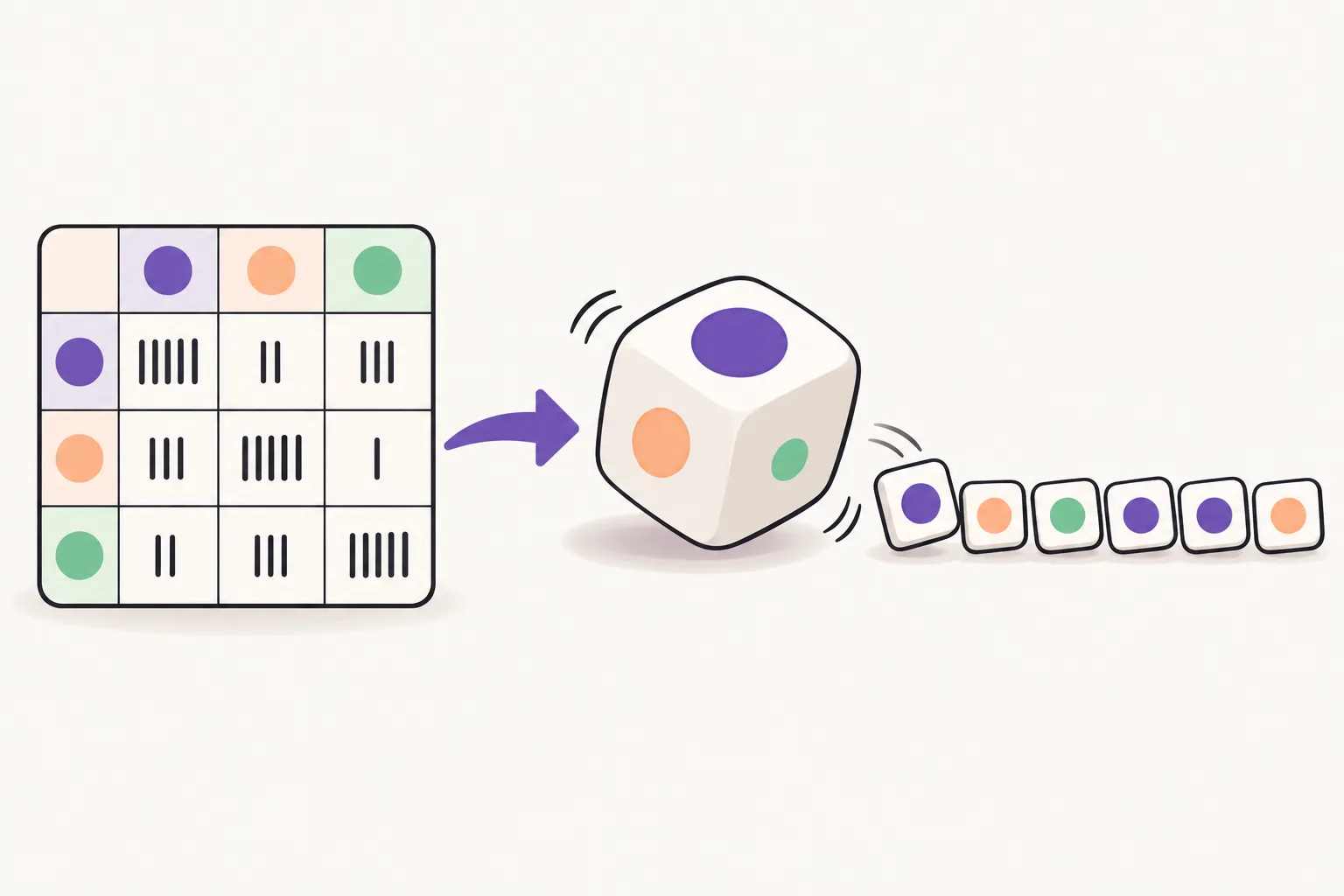 AI as probability
Optional
How a model picks the next word comes down to probability. Turn the knobs yourself and it clicks: why the same question can produce different answers. You can skip this, but doing it makes the rest much easier.
Start
AI as probability
Optional
How a model picks the next word comes down to probability. Turn the knobs yourself and it clicks: why the same question can produce different answers. You can skip this, but doing it makes the rest much easier.
Start

-
3
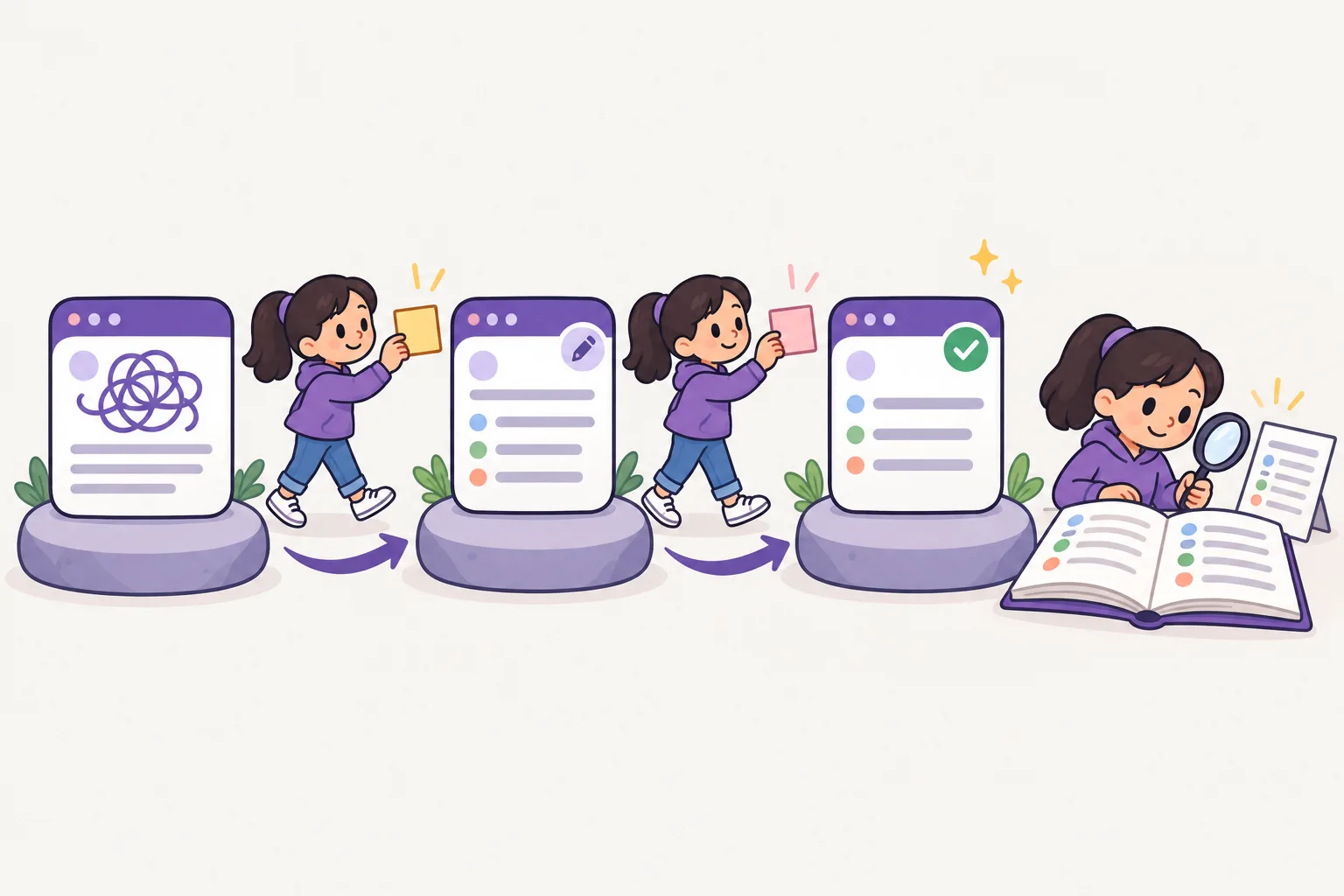 Lyen · AI Teacher
Required
Test what you've learned in a real conversation. The same question phrased differently gets very different answers. Ask your Lyen learning buddy vaguely on purpose, then precisely, and feel the difference.
Start
Lyen · AI Teacher
Required
Test what you've learned in a real conversation. The same question phrased differently gets very different answers. Ask your Lyen learning buddy vaguely on purpose, then precisely, and feel the difference.
Start
-
4
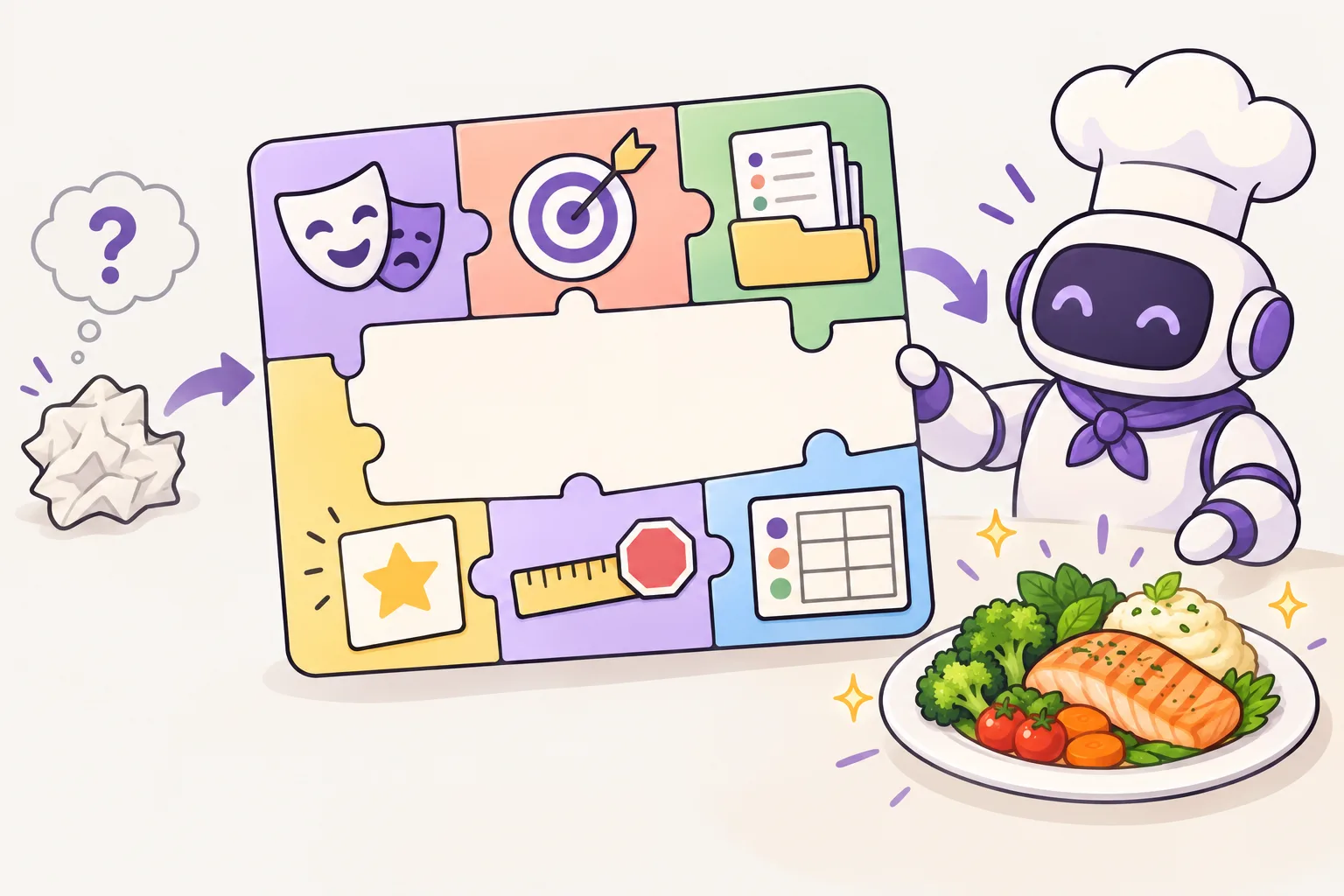 Write and check a prompt
Required
First, compare in the lesson a vague question with one that gives a goal, context and output format. Then ask Lyen both. Say which answer fits your goal, and check that the facts are right.
Start
Write and check a prompt
Required
First, compare in the lesson a vague question with one that gives a goal, context and output format. Then ask Lyen both. Say which answer fits your goal, and check that the facts are right.
Start

-
5
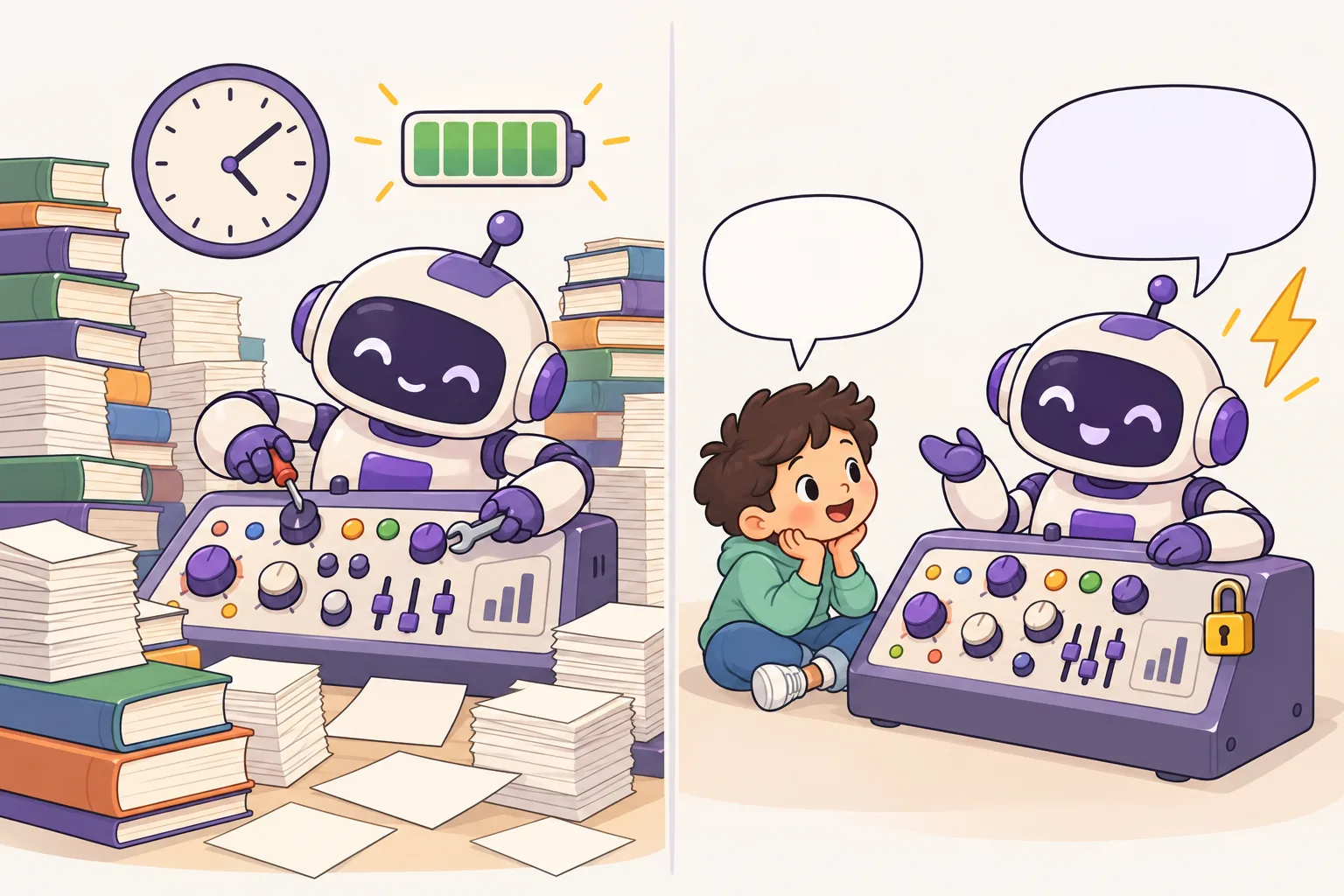 Advanced AI Development
Required
From here you look inside. Learn what training data (the text it learns from), tokens (pieces of text) and a model are, then handle a very small model yourself in Python.
Start
Advanced AI Development
Required
From here you look inside. Learn what training data (the text it learns from), tokens (pieces of text) and a model are, then handle a very small model yourself in Python.
Start
-
6
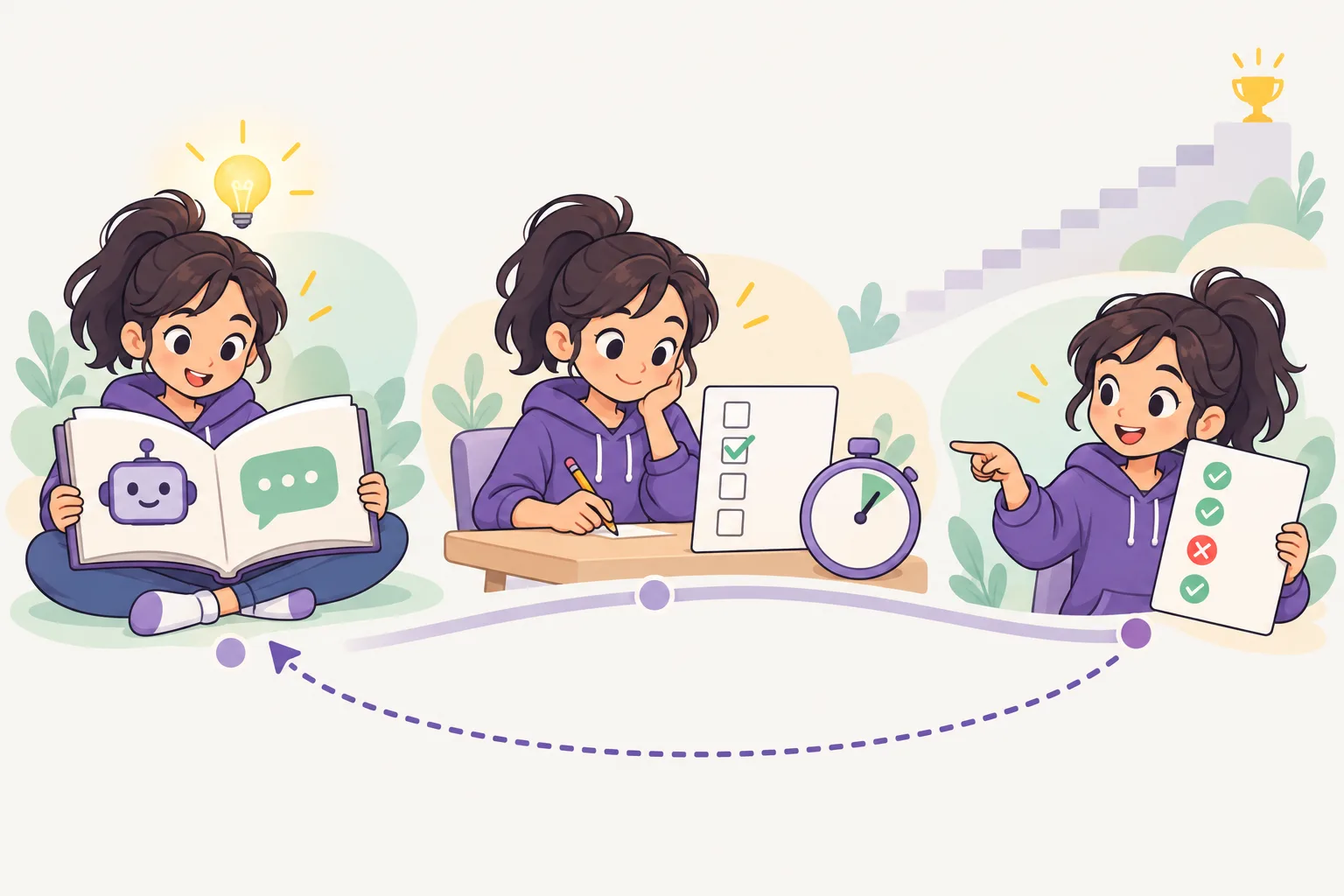 AI Knowledge Exam
Optional
Lyen, the learning helper, is locked during the exam, so answer on your own. Knowing something and believing you know it aren't the same. The exam shows exactly where the gaps are.
Start
AI Knowledge Exam
Optional
Lyen, the learning helper, is locked during the exam, so answer on your own. Knowing something and believing you know it aren't the same. The exam shows exactly where the gaps are.
Start
Tips that make it easier
- Finish the required steps (1, 3 and 4) first. Then the advanced track won't stop you.
- Don't just read — always try it yourself. Prompting is a skill you learn with your hands.
- AI can sound sure and still be wrong. Check important facts in another source. If an answer looks strange, look at what went in (your question, the , the model) before you trust it.